
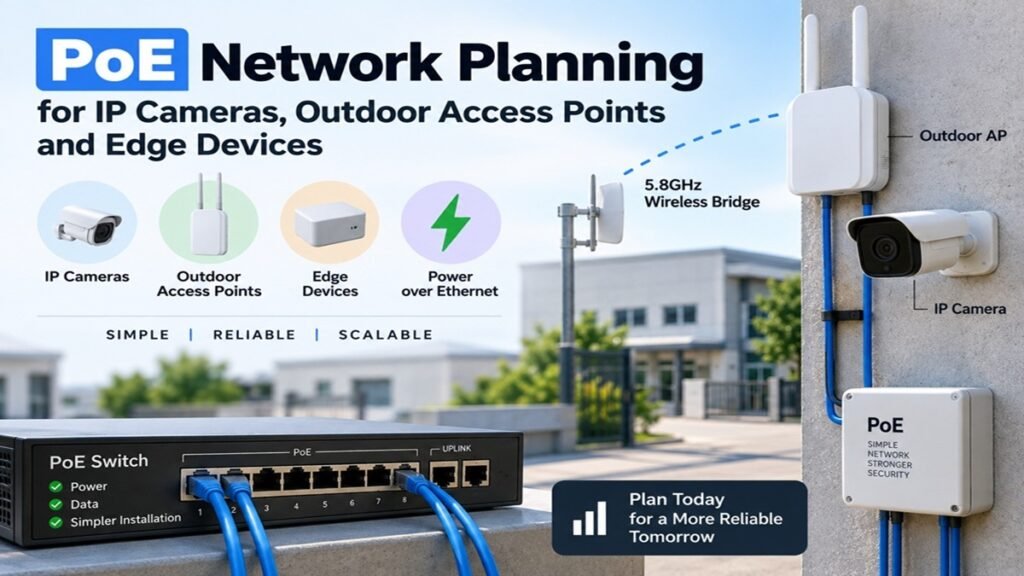
PoE Network Planning for IP Cameras, Outdoor Access Points and Edge Devices
Power over Ethernet makes distributed networks simpler, but PoE does not remove the need for engineering. An IP camera, outdoor access point, intercom, sensor gateway, or edge computer still needs the correct voltage, power budget, cable route, surge protection, and network capacity. A stable design starts by adding the real load of every endpoint, leaving operating margin, and treating outdoor Ethernet as both a data path and a power installation.
This matters in offices, shops, warehouses, farms, residential projects, and temporary sites. A switch can show an available port while the system remains unreliable because the power budget is exhausted, a cable run is too long, a connector has taken in water, or a surge has damaged the port.
1. What must a PoE network deliver?
1.1 Every endpoint needs power and bandwidth
PoE supplies electrical power over twisted-pair Ethernet while the same cable carries network traffic. An IP camera may need only a few watts in normal daylight but more when infrared LEDs, a heater, a motorised lens, or an onboard illuminator starts. An outdoor AP may draw more during sustained client traffic. An edge computer can add a steady load rather than a short peak.
List each endpoint by model or power class, typical consumption, maximum consumption, network speed, and installation location. Do not use only the average figure when selecting a switch. The maximum value is the safer basis for the power budget, especially when cameras have night mode or accessories.
1.2 Separate the access layer from the uplink
The access ports must provide enough PoE power for local devices, but the uplink must also carry their traffic back to the recorder, router, or core switch. Ten cameras connected to a gigabit switch can still overload a 100 Mbps uplink if their combined bitrate and overhead exceed it. The same applies to an outdoor AP serving clients while also carrying camera or sensor traffic across the same backhaul.
Bottom line: A PoE design has two budgets: electrical power at the edge and data capacity toward the network core.
2. How should the PoE power budget be calculated?
2.1 Add maximum device demand, then keep headroom
Start with a simple calculation:
Required PoE budget = sum of endpoint maximum power + design margin
For example, eight cameras rated at 8 W maximum require 64 W before margin. If two outdoor APs can draw 15 W each, the total becomes 94 W. A switch with a 120 W PoE budget may work, but a designer should also consider startup behaviour, future endpoints, cold-weather heaters, and the difference between the switch’s total budget and per-port limit. A 150 W or 180 W budget may provide a more useful operating margin if the enclosure and power source support it.
A 20-30% planning margin is a practical starting point, but it is not a substitute for device datasheets. If the system includes heated cameras, PTZ movement, edge compute, or future loads, increase the margin or split the deployment across switches.
2.2 Understand PoE standards and device compatibility
IEEE 802.3af, 802.3at, and 802.3bt support different power levels. A higher-power switch does not automatically make a non-compatible endpoint safe, and passive PoE equipment must be matched carefully because it may apply power without the same negotiation behaviour as standard PoE. Check the switch port mode, endpoint requirement, injector type, voltage, and maximum wattage as one system.
| Planning item | What to check | Common mistake |
|---|---|---|
| Endpoint power | Maximum watts, startup, IR, heater, PTZ or USB load | Using typical power only |
| Switch budget | Total PoE watts available across all ports | Confusing port speed with power budget |
| Port capability | Per-port limit and supported PoE standard | Assuming every port provides the same class |
| Uplink | Aggregate bitrate and uplink speed | Focusing only on camera port speed |
| Future capacity | Spare ports, watts, and address space | Filling the switch at the first installation |
For a dispersed site where a remote switch or camera group must connect back wirelessly, 5.8GHz 900Mbps wireless bridges can be evaluated alongside the PoE switch. The final choice should still be checked against the actual endpoint list and site conditions.
Bottom line: Select a PoE switch by verified power budget and port capability, not by the number of Ethernet ports alone.
3. What Ethernet distance and cable rules matter?
3.1 Treat 100 metres as a design boundary
For standard copper Ethernet channels, 100 metres is the familiar maximum channel length, including the permanent link, patch cables, and connectors. PoE performance is affected by the same route: cable resistance causes voltage drop, and poor terminations add loss or intermittent faults. A camera at the end of a long cable may negotiate data successfully while its infrared mode causes a voltage problem at night.
Measure the actual route rather than the straight-line distance, including vertical rises, service loops, cabinet routing, and maintenance slack. Use suitable solid copper Ethernet cable for permanent outdoor runs; avoid unverified copper-clad aluminium cable where voltage drop and heating are difficult to predict.
3.2 Extend distance with the right architecture
When a device is beyond the copper boundary, do not solve the problem by adding random couplers in an exposed box. Consider a fibre uplink to a remote PoE switch, a properly specified PoE extender, or a wireless bridge feeding a remote switch. Fibre removes the metallic path between buildings and can improve isolation from lightning potential differences, although the remote cabinet still needs local power and protection.
For a farm or warehouse yard, a remote PoE switch near the cameras may reduce long copper runs. It still needs a protected uplink, local power, and a maintenance plan.
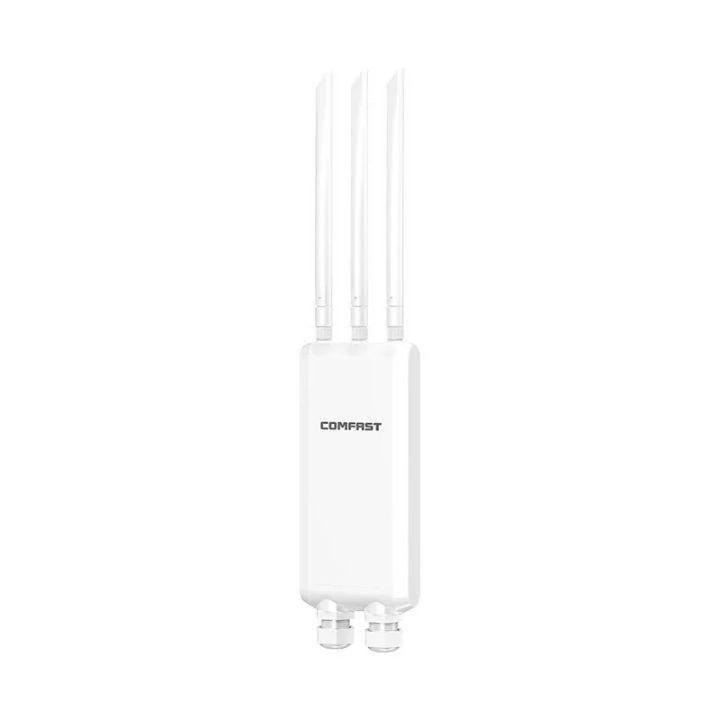
Outdoor PoE access point for distributed edge deployment
Bottom line: Use copper within a verified channel limit; use fibre, extenders, or a remote switch when distance or building separation makes a direct run unsuitable.
4. How should outdoor PoE equipment be installed?
4.1 Choose equipment for the enclosure, not only the port count
An outdoor switch or AP needs an enclosure and connector arrangement suitable for rain, dust, temperature changes, condensation, and UV exposure. A weather-resistant housing does not protect an incorrectly fitted cable gland. Create a downward drip loop, seal unused ports, and keep cable entries facing in a direction that does not collect water.
If the switch is installed in a cabinet, check heat dissipation in direct sun and under full PoE load. A sealed box can protect against rain while trapping heat. Leave service access and keep the power supply away from cable paths that can carry water into the enclosure.
4.2 Plan grounding and surge protection
Outdoor copper cables can carry a surge into a switch, camera, or building. Use suitable Ethernet surge protection and bonding according to local electrical practice and the equipment instructions. Protect both ends of a cable that crosses between structures when the installation requires it. A surge protector that is not bonded correctly may provide little practical protection.
Where buildings have different earth potentials or the cable crosses an exposed route, fibre can be a better backbone than long copper. This is a system decision, not merely a network-speed choice. Keep low-voltage data wiring separated from mains wiring and follow local rules for electrical work, grounding, and lightning protection.
Bottom line: Weatherproofing and surge protection depend on the complete cable route, cabinet, grounding method, and connector installation.
5. How do outdoor APs and edge devices change the design?
5.1 Outdoor APs need both radio and PoE planning
An outdoor AP may be mounted high on a pole or wall, which makes PoE attractive because one cable supplies both data and power. It also means the cable can become the most exposed part of the installation. Use the AP’s documented PoE mode, check its maximum draw, and test the link at the intended mounting height.
Plan radio coverage separately from the power route. An AP may have good power delivery but poor coverage if hidden behind metal, placed below a roof edge, or aimed away from the working area. Compare antenna direction, mounting position, environmental rating, uplink speed, and PoE requirements together. Purpose-built outdoor wireless access points fit projects that need weather resistance and pole or wall mounting.
5.2 Edge devices may have unusual power behaviour
Intercoms, access controllers, alarm panels, speakers, sensors, and edge computers do not all behave like fixed cameras. Some boot with a current surge, some need a stable auxiliary output, and some lose state when PoE is interrupted. Record whether each endpoint supports graceful restart, local buffering, watchdog recovery, and remote power cycling.
Use switch monitoring to track per-port power, link speed, errors, temperature, and restart events. Repeated renegotiation or a reached power limit can reveal cable, water, or endpoint faults before the device disappears.
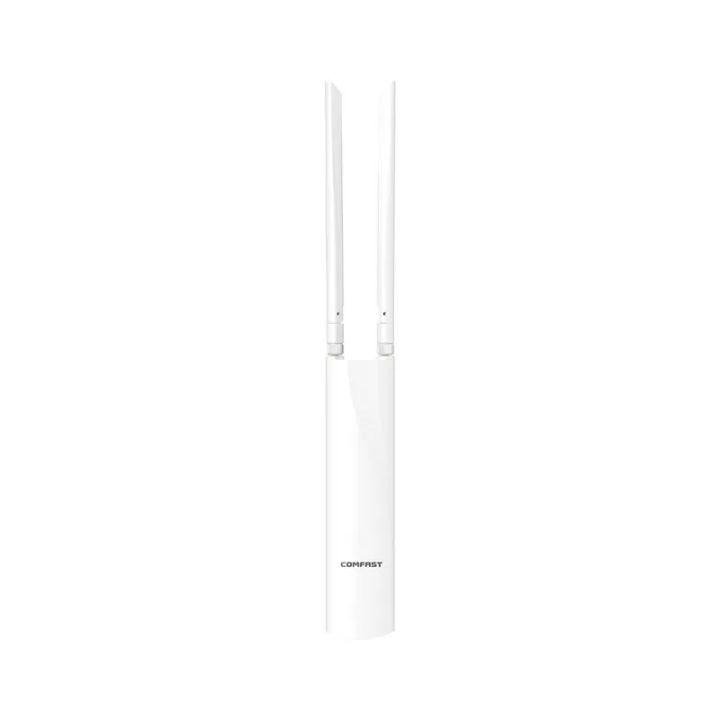
Outdoor wireless access point for PoE powered network coverage
Bottom line: PoE simplifies the physical connection, but radio coverage, endpoint startup behaviour, and remote recovery still need their own checks.
6. What should be tested before commissioning?
6.1 Test day and night operating modes
For cameras, test live view, recording, infrared mode, motion lighting, PTZ movement, and simultaneous remote viewing. For APs, test representative client traffic and sustained throughput. For edge devices, test the actual operating cycle rather than only a boot screen.
Record switch model, firmware, port number, cable route, endpoint model, power draw, link speed, and test result. Repeat after closing cabinets and fitting weather seals; an open cabinet can hide thermal problems.
6.2 Test failure and recovery, not only normal operation
Disconnect and restore an endpoint, reboot the switch, interrupt the uplink, and test recovery after a brief power event. Confirm that cameras reconnect, recordings resume, APs return to service, and edge devices do not remain stuck waiting for DHCP or authentication. Verify that alerts identify the failed port and that an installer can access the cabinet safely.
Keep a final network diagram with PoE budgets, cable routes, surge-protection points, switch IP address, port assignments, and spare capacity. This makes future expansion safer and turns maintenance into a documented process rather than guesswork.
Conclusion
Reliable PoE network planning combines four decisions: calculate the maximum endpoint load, preserve copper distance and voltage margin, protect the outdoor cable path, and select uplinks that can carry the aggregate traffic. Cameras, outdoor APs, and edge devices should be evaluated as complete installations, including night operation, weather exposure, grounding, and recovery after interruption.
The best system is not necessarily the switch with the highest headline wattage. It is the design with measured power headroom, suitable cable architecture, practical surge protection, visible monitoring, and enough spare capacity for the next device.
FAQ
How much PoE power does an IP camera need?
Many fixed cameras use modest power, but infrared lighting, heaters, PTZ motors, and accessories can raise the maximum. Use the endpoint’s maximum documented demand, then add the demands of all devices and a design margin before selecting the switch.
Can PoE run beyond 100 metres?
Standard copper Ethernet planning normally treats 100 metres as the channel boundary. Longer routes may use a specified PoE extender, a remote PoE switch, fibre, or a wireless bridge. Do not assume that adding an ordinary coupler will preserve voltage and data reliability.
Is Cat6 required for every PoE camera?
Not always, but the cable must meet the required Ethernet category, conductor material, environment rating, and installation standard. Solid copper outdoor-rated cable is generally easier to validate for permanent runs than unverified copper-clad aluminium cable.
Does an outdoor AP always need PoE?
No, but PoE is often practical because it sends power and data over one cable to a pole or wall-mounted device. Confirm the AP’s PoE mode, maximum power, cable length, surge protection, and enclosure requirements before installation.
Should outdoor PoE cables be grounded?
The correct bonding and surge-protection method depends on the site and local electrical rules. Outdoor and inter-building copper routes should be assessed for surge exposure and earth-potential differences; fibre may be preferable for some building-to-building backbones.
