Harshvardhan Mishra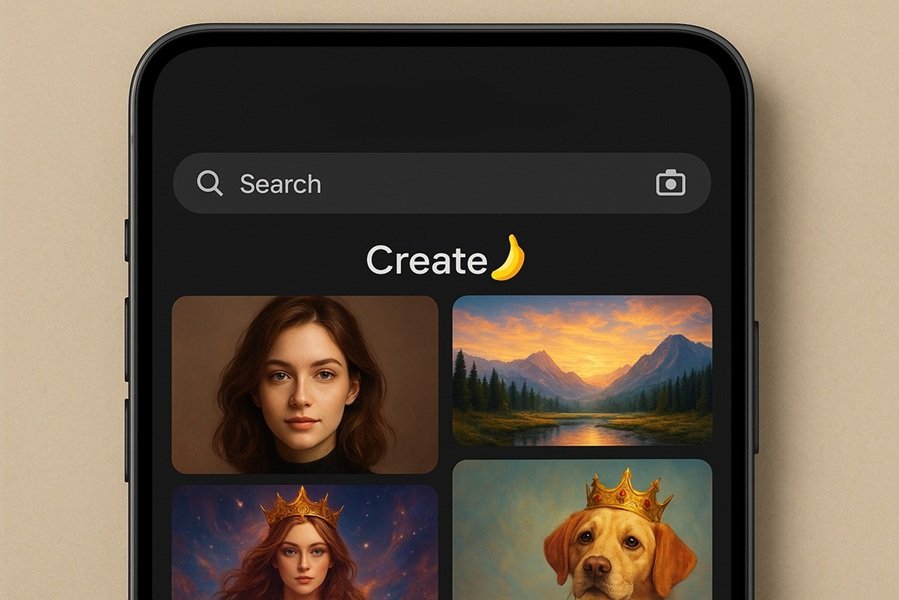
What is Google Gemini’s AI Photo Tool?
Google’s Gemini AI is not just a chatbot — it’s a multi-modal AI system that can understand text, images, and even generate visuals. In 2025, Google introduced new image generation features within Gemini, allowing users to create high-quality AI photos directly from their browser or app.
This feature makes it possible to transform ordinary photos into creative Halloween images — from eerie haunted houses to witch portraits, zombie makeovers, or even fantasy horror scenes — without paying for any premium AI tool.
Read this: How To Use Nano Banana With Google Lens For Free: Step-by-Step Guide
How To Create AI Halloween Photos With Google Gemini For Free
Follow this easy, step-by-step process to generate your own AI Halloween photos using Google Gemini:
Step 1: Visit Google Gemini Website or App
Open your browser and go to
👉 https://gemini.google.com
Alternatively, you can use the Google app on Android or iOS and tap the Gemini icon to access it directly.
Step 2: Sign In With Your Google Account
- Use your regular Gmail or Google account to log in.
- Once signed in, you’ll see a chat-style interface — similar to ChatGPT or Bard.
This is where you’ll type your creative prompts for generating AI Halloween photos.
Step 3: Enable Image Creation Mode
If you’re accessing Gemini for the first time:
- Tap the “Create Image” button or say, “Create an image of…” to enable the image generation feature.
- This automatically activates Gemini’s AI image model.
Now you’re ready to start creating spooky visuals!
Step 4: Write a Creative Halloween Prompt
Type a clear and descriptive prompt to tell Gemini what kind of Halloween image you want. The more detailed your prompt, the better the AI result will be.
🎃 Examples of Prompts:
- “Create a photo of me as a vampire standing under a full moon.”
- “Make a spooky Halloween party scene with glowing pumpkins and mist.”
- “Turn my photo into a witch flying over a haunted castle.”
- “Generate a zombie-themed selfie with realistic makeup and effects.”
- “Make a cute cartoon-style Halloween picture of a black cat with glowing eyes.”
📝 Pro Tip: Add style cues like “realistic,” “digital art,” “cartoon,” or “cinematic” for specific aesthetics.
Step 5: Upload a Photo (Optional)
Gemini also allows you to upload an image to modify it.
Click the image upload icon (📷) next to the prompt box and choose your photo.
Then, write something like:
“Add Halloween makeup and ghostly lighting to this image.”
This lets Gemini transform your existing photos into AI-edited Halloween creations.
Step 6: Wait for the AI to Process
After submitting your prompt, Gemini will take a few seconds to generate your Halloween image.
You’ll see multiple AI-generated results — each with slightly different effects, styles, and lighting.
You can pick your favorite, refine it further with an updated prompt, or try again for a different mood.
Step 7: Download or Share Your Halloween Image
Once you’re satisfied with the AI-generated image:
- Click the Download icon to save it to your device.
- Or tap Share to send it via WhatsApp, Instagram, or post it directly on your social media.
You can also edit prompts and regenerate to create new Halloween styles — such as pumpkin themes, haunted forests, witches, skeletons, or horror movie posters.
Creative Prompt Ideas for Inspiration
Try these prompts to explore Gemini’s full Halloween creativity:
- “A haunted library with glowing spell books and flying ghosts.”
- “Portrait of a person wearing a pumpkin head under moonlight.”
- “Retro 80s-style horror movie poster with blood-red text.”
- “Cute cartoon vampire drinking pumpkin spice latte.”
- “Realistic photo of a foggy graveyard with floating lanterns.”
Why Use Google Gemini for Halloween AI Photos?
Here’s why Gemini stands out among other AI tools for creating Halloween photos:
| Feature | Google Gemini | Other AI Tools |
|---|---|---|
| Free to use | ✅ Yes | ❌ Often paid |
| No watermark | ✅ Yes | ⚠️ Sometimes added |
| Fast image generation | ⚡ Instant | ⏳ Slower |
| Integration with Google Photos | ✅ Seamless | ❌ Limited |
| Text + Image understanding | 🧠 Advanced | 💬 Basic |
Gemini combines creativity and precision, allowing you to make both realistic and artistic Halloween visuals effortlessly.
Final Thoughts
Creating AI Halloween photos has never been easier. Thanks to Google Gemini, you can now unleash your spooky creativity and design hauntingly beautiful pictures for free.
Whether it’s for social media, party invites, or just for fun, Gemini’s AI image generation gives you endless possibilities — from witch portraits and haunted scenes to funny pumpkin filters.
So this Halloween, skip the editing apps and let Google Gemini work its magic — your next viral Halloween photo is just one prompt away! 👻